

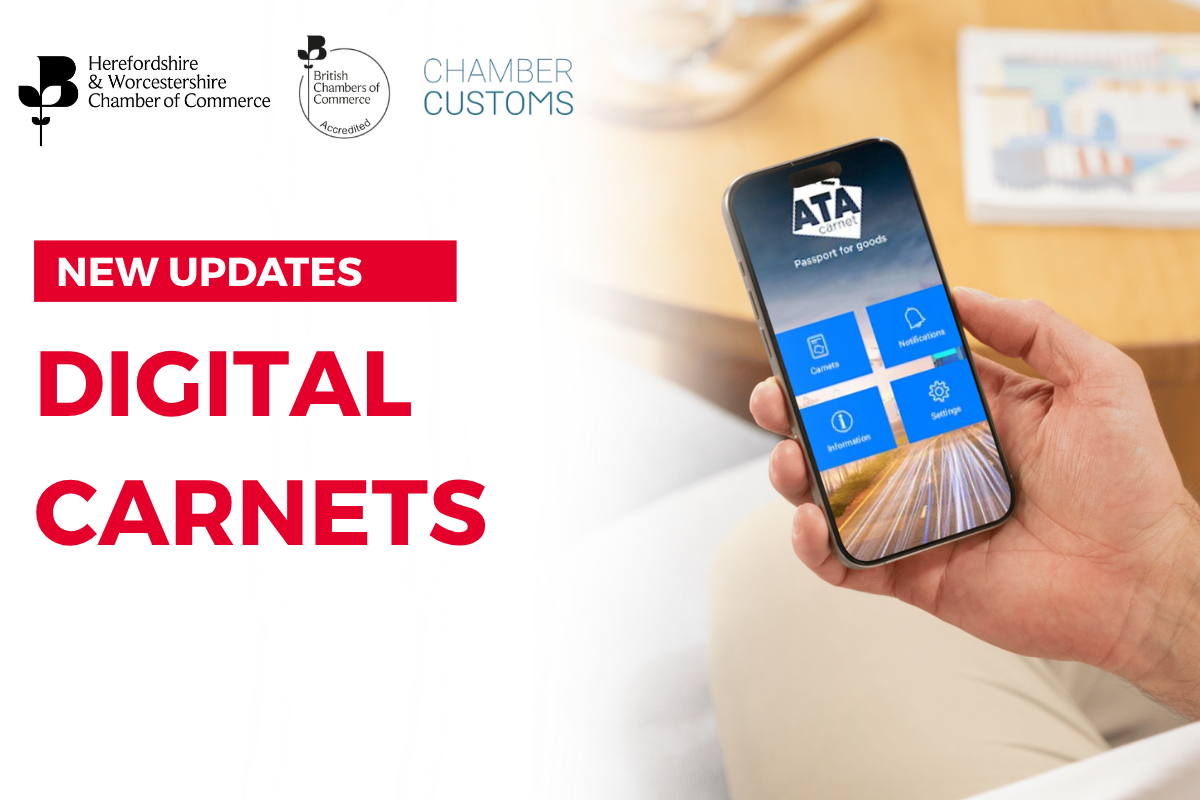
Having Carnets in a digital format reduces the amount of paper to almost zero (good for the environment!) and makes things more efficient and straightforward overall (good for you!). Everything is handled within the App and your documentation can be presented from your mobile phone when dealing with border officials.
The App
You can download the official ATA Carnet app from the Google Play Store for Android devices or the Apple App Store for iPhones.
Open your phone’s app store and search for “ATA Carnet”. (You can also use your desktop if you prefer a computer or manage many carnets.)
Purchase your digital carnet as normal through the Herefordshire and Worcestershire Chamber of Commerce (via eCert).
How It Works:
Get the App:
Download the official mobile wallet or desktop app as described above.
Load the Data:
Input your unique ID and PIN code from your issuing organization to download your carnet.
Prepare Travel:
Select the items you are taking from your general list inside the app before you leave.
Customs Scan:
Show the digital code at the border for customs officers to scan and clear your items.
Key Features
Electronic Wallet:
Replaces traditional paper booklets with secure data stored on your phone or computer.
QR Codes:
Generates quick response (QR) codes that border officers scan instead of stamping physical paper counterfoils.
Better Security:
Cuts down border wait times and removes the risk of losing physical paper documents.
Links to Information Videos:
Overview of an eATA transaction
https://www.youtube.com/watch?v=8axW2RW1BYs
How to sign your digital Carnet
https://www.youtube.com/watch?v=LSVqFvMhKxU
ATA Carnet App: How to prepare a travel
https://www.youtube.com/watch?v=RAg_98F1dSU
For more information please contact the Chamber at: [email protected]