

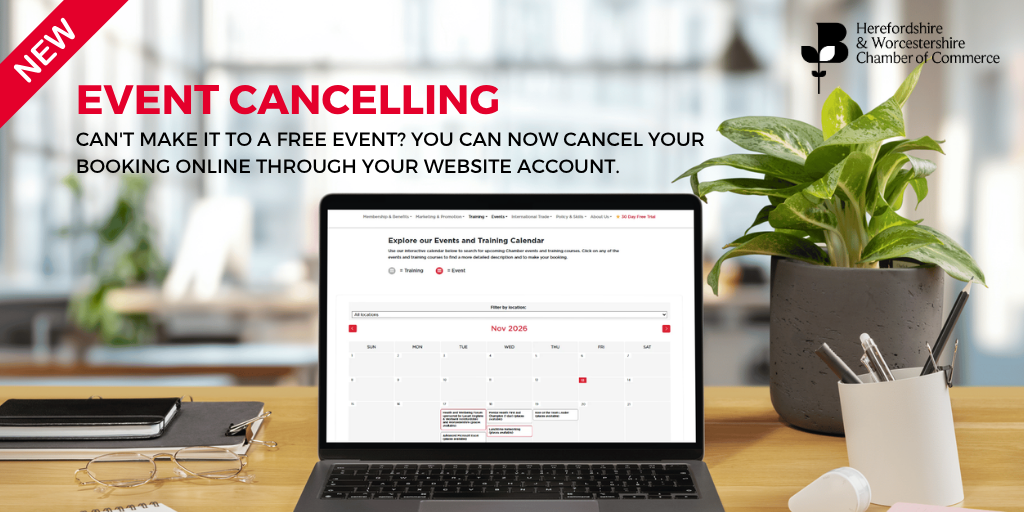
If you’ve booked a place on a free event but can no longer attend, you can now cancel your booking quickly and easily through your online website account.
This facility is available to both Members and Non-members and applies to free event bookings only.
How to cancel your booking
To cancel your place, simply follow these steps:
- Log in to your website account.
- You will be taken to your main dashboard.
- From the menu on the left-hand side, select Orders & Billing.
- Click on Orders.
- Find the event booking you wish to cancel and click View.
- Select Select to cancel.
- Click Submit to confirm your cancellation.
Your place on the event will then be cancelled.
Why it’s important to cancel
If you know you can no longer attend an event, please cancel your booking as soon as possible. This means your place can be made available to someone else who would like to attend.
Need to cancel a chargeable event?
Please note that online cancellation is only available for free event bookings.
If you have booked a chargeable event and need to cancel, please contact us for advice on the applicable cancellation process.
Thank you for letting us know if you are unable to attend. Your cancellation helps us make the most of the places available at our events.